
Make a custom map with AI
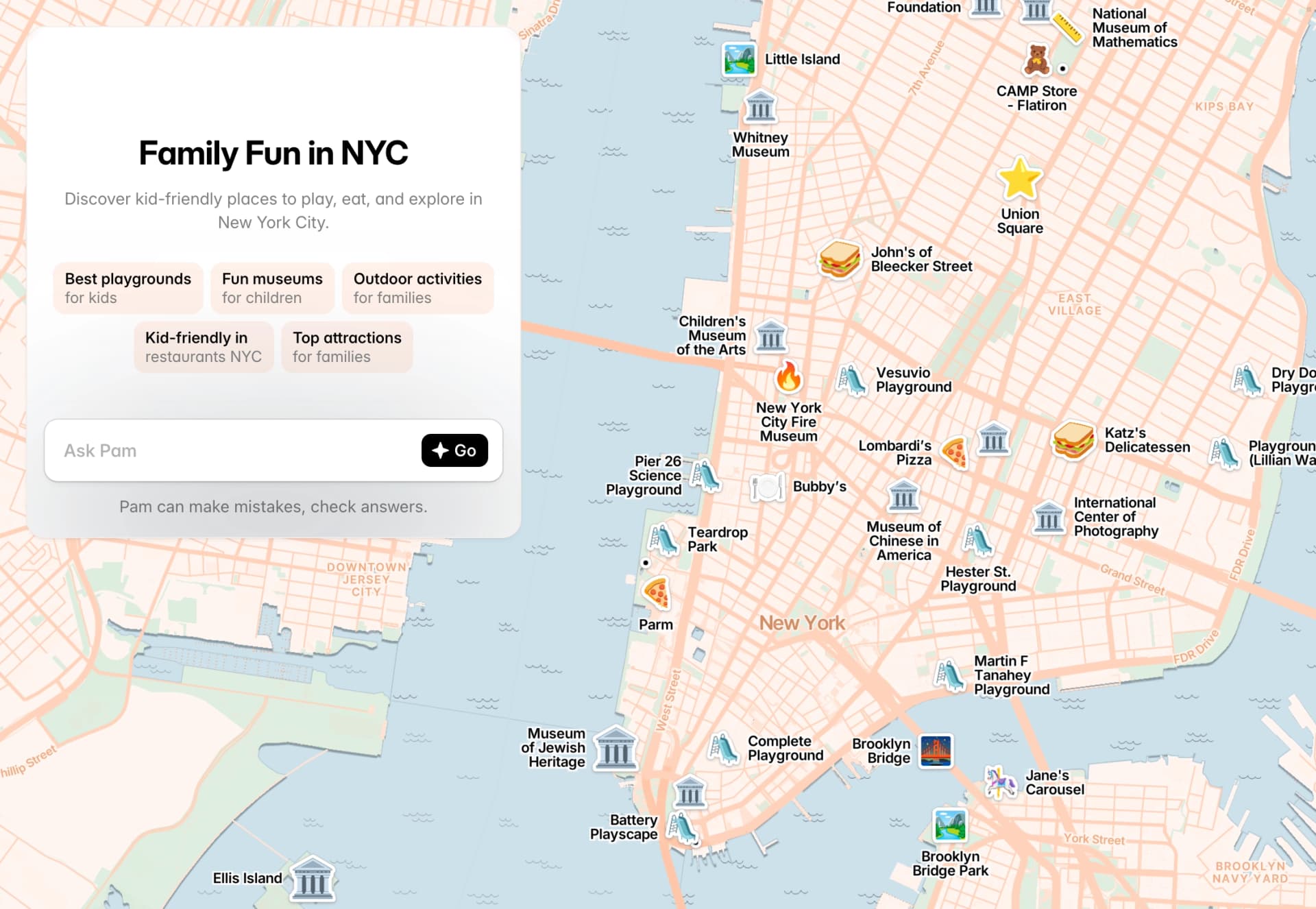
PamPam's AI map maker turns your ideas into interactive travel maps in minutes. Ask ChatGPT, pull from Wikipedia, or import a spreadsheet — then embed your map anywhere or share as a link.

Interactive Map

Map animation

Printable map
As seen on the internet




Ask AI to build your map
Describe what you want and PamPam's AI map maker does the heavy lifting. Ask ChatGPT for the best restaurants in Rome, pull landmarks from Wikipedia, or generate a full travel itinerary — and watch it become an interactive custom map instantly.
Embed your travel map on any website
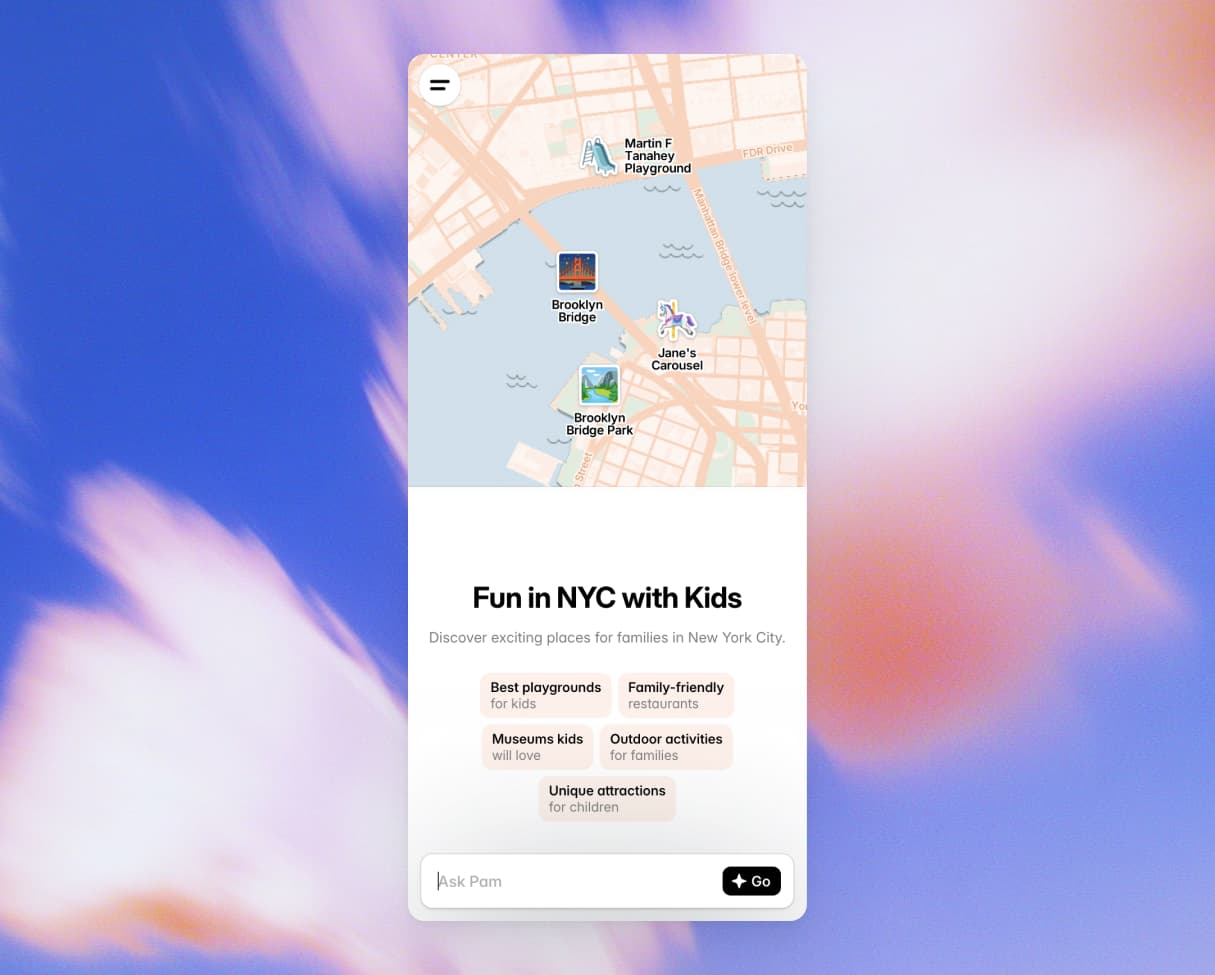
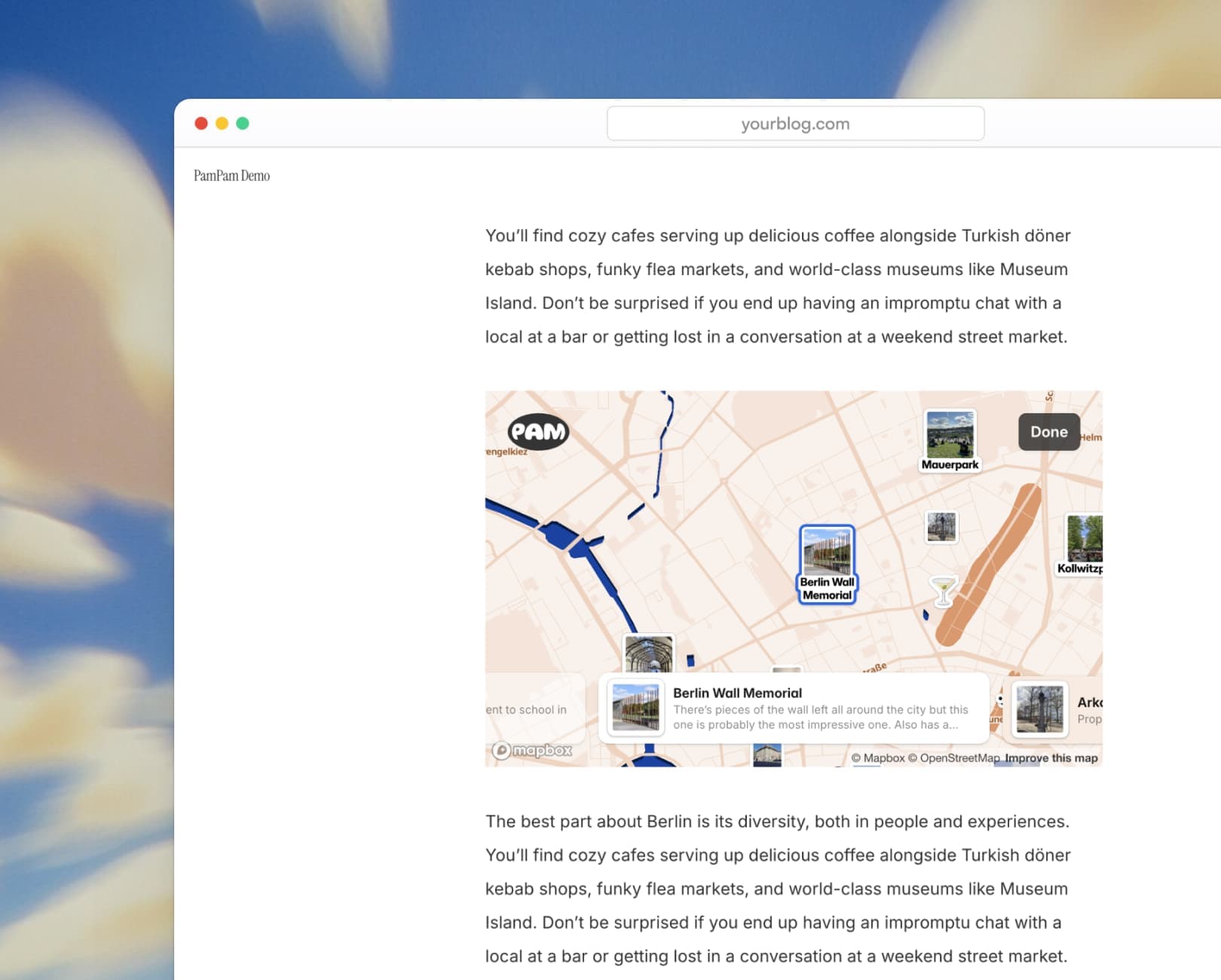
Once your custom map is ready, embed it on your website in seconds — no code needed. Works on any site builder: Squarespace, Webflow, WordPress, Framer, and more. Looks great on desktop and mobile.
Make a map from a spreadsheet
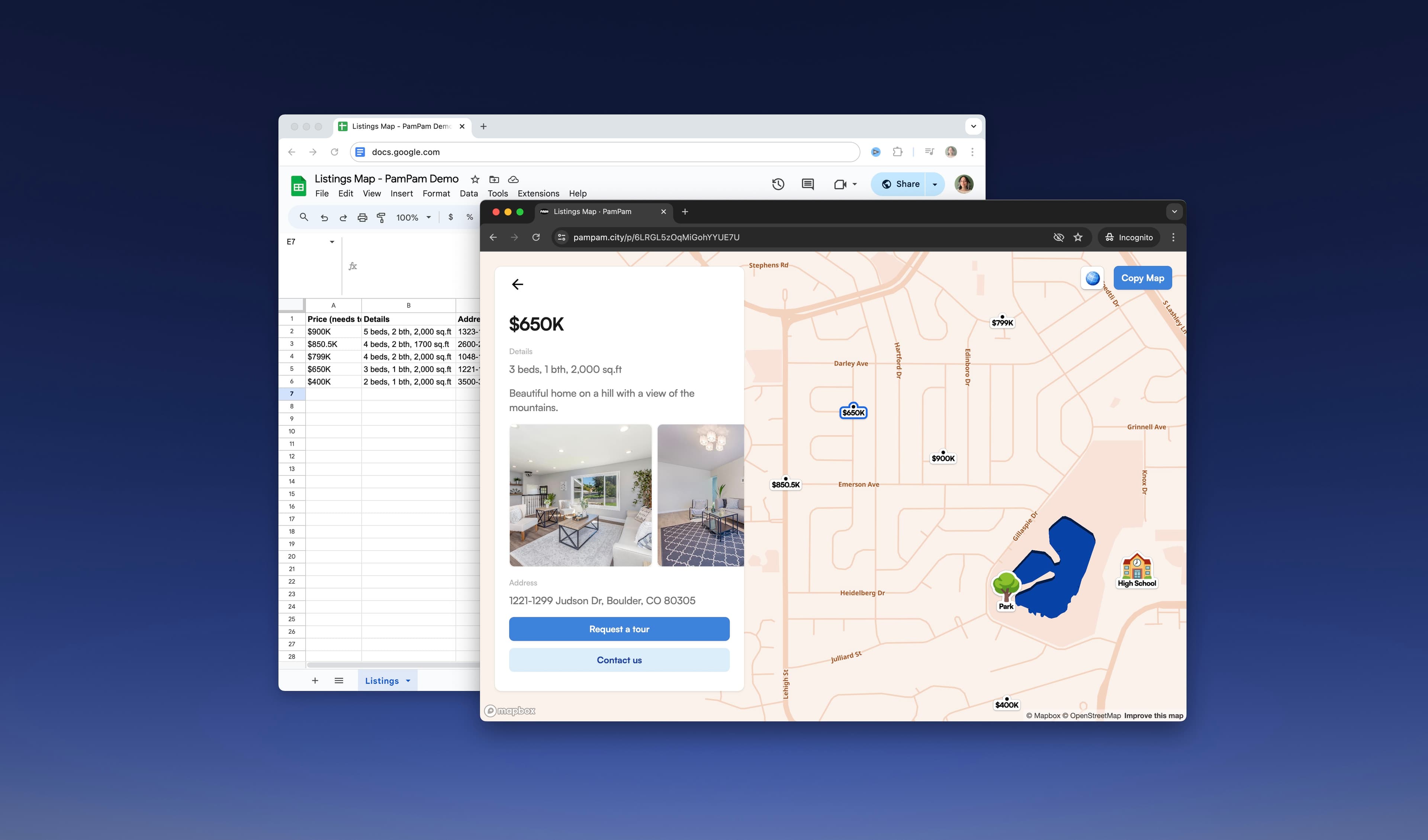
Already have your locations in a spreadsheet? Import a CSV, Google Sheets, or Airtable and PamPam will turn it into a custom interactive map in seconds. Perfect for travel bloggers, tourism brands, and anyone managing lots of locations.
AI map maker features
Everything you need to build a beautiful custom map — powered by AI, designed for sharing.

AI-powered
Ask AI to find and add locations to your map automatically

Custom color themes
Match your map to your brand with custom colors and icons

Mobile-friendly
Your custom travel map looks great on any device

Embed anywhere
Add your interactive map to any website with one line of code
What's the best way to make a map with AI?
The easiest way is to use an AI map maker like PamPam. Just describe what you want — for example, 'best coffee shops in Tokyo' or 'a walking tour of Barcelona' — and AI will find the locations, add details, and build an interactive map for you in seconds. You can then customize colors, icons, and descriptions, and embed it on your website or share it as a link.
How can I make a map with AI?
With PamPam, you can make a map with AI in a few simple steps: open the editor, type a prompt describing the map you want, and let AI generate it. You can ask ChatGPT-powered AI to pull locations from Wikipedia, create travel itineraries, or populate a map based on any theme. Once it's ready, customize the look and feel, then share or embed it anywhere.
Can I turn a spreadsheet into a map with AI?
Yes! PamPam lets you import a CSV, Google Sheet, or Airtable and instantly turn your data into an interactive map. AI can also help clean up and enrich your data — adding descriptions, images, and categories to each location automatically. It's perfect for travel bloggers, tourism boards, or real estate professionals who already have a list of places.
Is PamPam's AI map maker free?
PamPam is free to start — you can create your first map without a credit card. Paid plans unlock more features like custom branding, additional maps, and priority support. Visit the pricing page to see which plan works best for you.
Can I embed an AI-generated map on my website?
Absolutely. Once your map is ready, PamPam gives you an embed code you can paste into any website — Squarespace, WordPress, Webflow, Framer, Wix, and more. The map is fully responsive and looks great on desktop and mobile.
Will my map work on mobile?
Yes — every map you create with PamPam is automatically mobile-responsive. There's nothing extra to configure. Your map adapts to any screen size out of the box, so visitors on phones and tablets get the same smooth, interactive experience as on desktop.